I use the command line everyday at for work and home. Command switches a part of life but the problem is remembering switches. The man files have always helped and always will continue doing so.
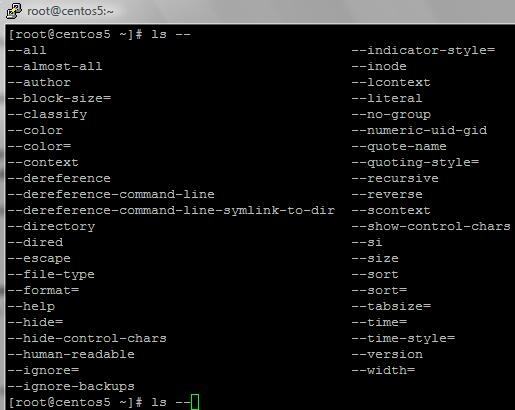
Bash-completion came along to help in this area. It displays a list of a available switched for a specific command by simply hitting the TAB key twice. See screenshots below for clearer picture.
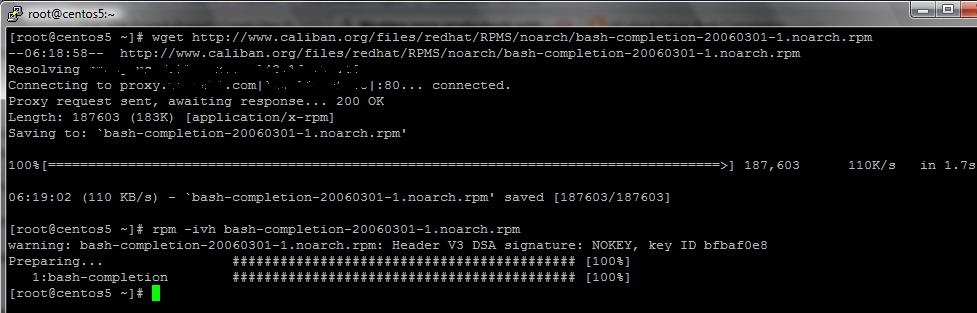
Download the rpm . Currently no packages available from the CentOS repos.
#“wget http://www.caliban.org/files/redhat/RPMS/noarch/bash-completion-20060301-1.noarch.rpm"Install the rpm
#“rpm -ivh bash-completion-20060301-1.noarch.rpm”Start a new shell or execute the command below
#”. /etc/bash_completion"Test out your new shell enhancement
#“ls — [TAB][TAB]”
Other Sources: