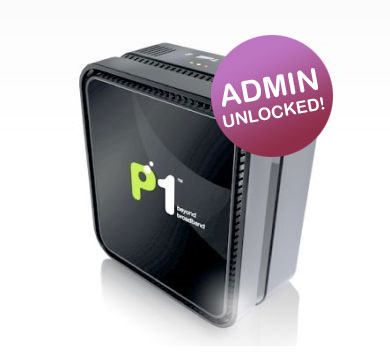
For those on P1 W1MAX and not being able to fully utilize your modem, you’re in luck!
Recently the admin password for the DS300 modem was leaked. Users who had the password could login and change any configuration on the modem. For those who knew what they were doing, this was jackpot.
The excitement was cut short. P1 jumped in and pushed out a new firmware update which locked all users out of their DS300 modem once again. Including me 🙁 (was just about to port forward)
Users started to rant about being locked out of their own modem, it was a good point. P1 came back saying that tech in the DS300 was US military owned and the license prevented users from accessing it. hahahahha…..
Few days passed…. and bam!! Admin password leaked again.
This time on purpose I guess. Why?
First, the new login provided users with limited access to the modem’s configurations and second, no news from P1. You do the math.
Even though access was limited, these were same options one would expect to find in any other router. Port forwarding, ddns, dhcp, dmz and the other standard stuff.
I guess users got heard after all 😀 .
Login details below, Enjoy!!
Admin URL: http://10.1.1.254
login: admin
password: admin123
Source: http://www.soyacincau.com/