If you are running GNOME on Arch Linux and encounter the following error when trying to install or manage extensions from the GNOME Extensions website:
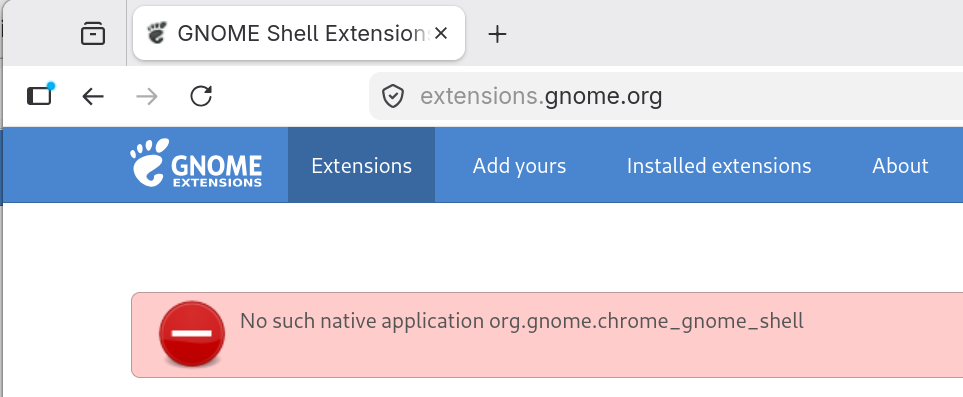
“No such native application org.gnome.chrome_gnome_shell”
This error occurs because the native host connector, which bridges your web browser and the GNOME Shell, is missing or has changed names in the repositories.
The Solution
On Arch Linux, the fix is to install the gnome-browser-connector package. This package replaced the older chrome-gnome-shell package.
You can install it using pacman:
sudo pacman -Sy gnome-browser-connector
Or, if you use paru:
paru -Sy gnome-browser-connector
Next Steps
- Refresh the page: Go back to the GNOME Extensions website and refresh the page. In many cases, the browser will pick up the new connector immediately.
- Restart your browser: If the error persists after refreshing, restart your browser (Chrome, Firefox, or Brave) to ensure the native host connector is properly initialized.
The error message should now be gone, and you can proceed with installing your favorite extensions!